How to Apply for a MoneyTap Loan in Pakistan
Complete walkthrough of the MoneyTap loan application — from downloading the app to receiving funds in your account. Your effort typically takes 3 to 15 minutes; disbursement happens within 12 hours (usually faster), maximum 24 hours.
Before you apply for an online loan
This guide is for MoneyTap Pakistan, operated by ZANDA Financial Services (Private) Limited. A CNIC is used to verify identity; it does not guarantee approval. Check the lender and repayment obligations before sharing your information.
- Check a loan app against SECP's official White List.
- Understand what a CNIC loan application requires.
- Review how to repay MoneyTap and the risks of late payment.
Before accepting an offer, check the amount you will receive, fees or markup, payment dates and total repayment. Apply only if repayment fits your budget.
آن لائن قرض کی درخواست دینے سے پہلے
یہ رہنما پاکستان کی MoneyTap ایپ کے لیے ہے، جسے ZANDA Financial Services (Private) Limited چلاتی ہے۔ شناختی کارڈ شناخت کی تصدیق کے لیے استعمال ہوتا ہے؛ یہ منظوری کی ضمانت نہیں۔ ذاتی معلومات دینے سے پہلے قرض دہندہ اور واپسی کی ذمہ داریاں جانچیں۔
- ایس ای سی پی کی سرکاری وائٹ لسٹ میں لون ایپ کی تصدیق کریں۔
- جانیں کہ شناختی کارڈ کے ساتھ قرض کی درخواست میں کیا درکار ہے۔
- منی ٹیپ کی ادائیگی کا طریقہ اور تاخیر کے خطرات پڑھیں۔
پیشکش قبول کرنے سے پہلے ملنے والی رقم، فیس یا مارک اپ، ادائیگی کی تاریخیں اور کل قابلِ واپسی رقم دیکھیں۔ صرف تب درخواست دیں جب واپسی آپ کے بجٹ میں ممکن ہو۔
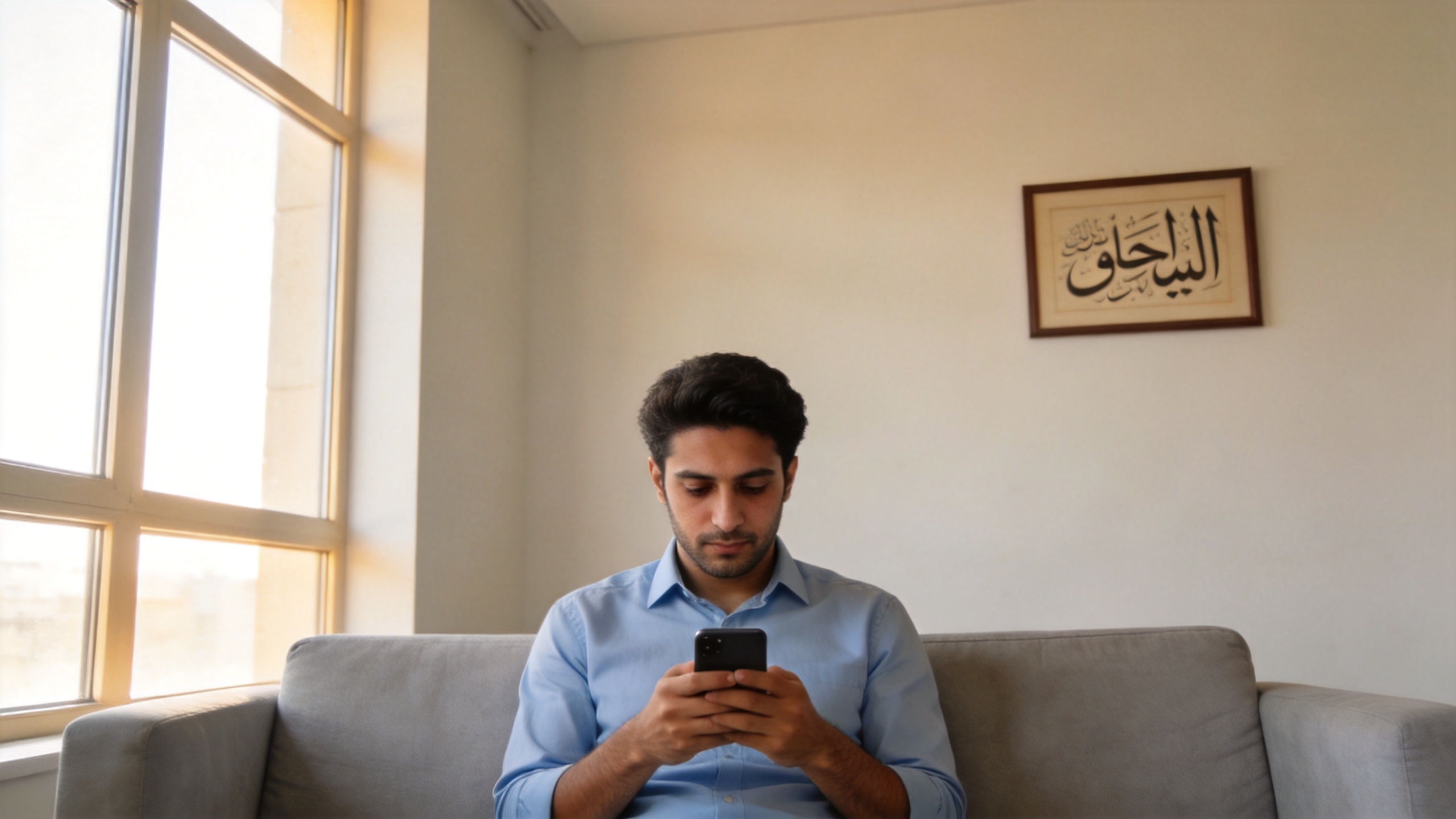
Quick Answer
- ›Total steps: 10 (your effort typically 3 to 15 minutes)
- ›You need: A supported Android phone or iPhone, valid Pakistani CNIC, your own mobile number, 3 reference witness contacts (manually entered), and a JazzCash / Easypaisa / bank account in your name
- ›Approval time: 5 to 30 minutes during business hours (fully automated review)
- ›Disbursement time: within 12 hours after approval (usually faster, maximum 24 hours)
- ›Regulatory: SECP license SECP/LRD/123/ZFSPL/2023-39 — operated by ZANDA Financial Services (Pvt) Ltd
فوری جواب
- ›کل مراحل: 10 (آپ کی کوشش عام طور پر 3 سے 15 منٹ تک)
- ›آپ کو چاہیے: اینڈرائیڈ فون، درست پاکستانی شناختی کارڈ، اپنا موبائل نمبر، 3 حوالہ گواہ رابطے (دستی طور پر درج کیے گئے)، اور اپنے نام پر جاز کیش / ایزی پیسہ / بینک اکاؤنٹ
- ›منظوری کا وقت: کاروباری اوقات میں 5 سے 30 منٹ (مکمل خودکار جائزہ)
- ›رقم ملنے کا وقت: منظوری کے بعد 12 گھنٹے کے اندر (عام طور پر تیز، زیادہ سے زیادہ 24 گھنٹے)
- ›قانونی: SECP لائسنس SECP/LRD/123/ZFSPL/2023-39 — ZANDA Financial Services چلاتی ہے
The 10 Steps in Detail
Download the MoneyTap app
Open Google Play on Android or the App Store on iPhone and search "MoneyTap" — or tap the matching download button below. The app is free to download.
⏱ 1 minuteSign up with your phone number
Enter your active Pakistani mobile number. You will receive an OTP via SMS within a few seconds — enter it to verify your number. Use the SIM that is registered in your own name.
⏱ 1 minuteSet a secure 6-digit password
Choose a 6-digit numeric password you will remember. You will use this every time you log in to MoneyTap. Do not share this with anyone — MoneyTap staff will never ask you for it.
⏱ 30 secondsComplete your Basic Information
Fill in your name, email, gender, education level, marital status, and number of children. You will also confirm a few baseline declarations (such as whether you have outstanding loans with other lenders). All fields are clearly labelled — no hidden agreements or fine print.
⏱ 2 minutesComplete your Employment Information
Tell us your occupation (employee, self-employed, business owner, etc.), how long you have been working, your pay period, your monthly income range, and your household income range. This helps us assess your borrowing capacity responsibly.
⏱ 2 minutesAdd optional supporting documents (recommended)
You can optionally upload supporting documents — such as a recent electricity bill, an employment proof, or your tax filer status. These are not required to submit your application, but providing them strengthens your credit profile and may unlock a higher loan limit.
⏱ 2-3 minutes (optional)Provide three Reference Witnesses
Enter the name, mobile number, and relationship of three people who can confirm your identity (family or friends). These contacts are used only for application verification and do not need to provide any approval themselves. We do not auto-import your phone contacts — you enter only these three names manually.
⏱ 2 minutesUpload your CNIC and confirm CNIC details
Take clear photos of the front and back of your original CNIC. The app reads the CNIC number via OCR; you confirm your CNIC number, date of birth, date of issue, province, and current residential address. Place the CNIC on a flat surface with good lighting — avoid glare and shadows.
⏱ 2 minutesComplete face verification (selfie)
Hold your phone at eye level and take a clear selfie. The app uses liveness detection to confirm it is really you (not a photo of a photo) and matches it against your CNIC photo. Look straight at the camera, with no sunglasses or face cover.
⏱ 30 secondsChoose disbursement method and confirm withdrawal
Select how you want to receive your funds: JazzCash, Easypaisa, or a Pakistani bank account in your own name. The account must be registered to the same person on the CNIC. Confirm the disbursement and the funds are transferred — most cases within a few hours, maximum 24 hours.
⏱ 1 minute + up to 24 hours for funds to arriveIf Your Application Is Declined
Not every application is approved on the first try. Our automated system evaluates each application against verification, identity, and basic credit criteria — and a declined application is not a permanent rejection.
Common reasons applications are declined:
- CNIC photo is unclear, glared, or shows the back side instead of the front
- Face verification (selfie) does not match the CNIC photo
- Applicant is outside the 20-60 year age range, or the CNIC has expired
- The mobile number used is not registered to the applicant
- JazzCash, Easypaisa, or bank account is in a different person's name
- An existing loan from a previous application is still active and unpaid
You can re-apply after addressing the issue. We recommend retaking the CNIC photo in better lighting and ensuring all information matches your CNIC exactly.
What Data We Collect — and What We Don't
MoneyTap operates under Pakistan's Personal Data Protection Ordinance (PDPO) 2023. We collect only the data necessary to verify your identity, evaluate your application, and disburse funds.
✓ We Collect
- CNIC number and front + back photos
- Selfie for liveness verification
- Mobile number (and OTP)
- Residential address, occupation, education, marital status, income range
- Three reference witness contacts you manually enter (name, phone, relationship)
- Device ID and approximate location (city level)
- Repayment history on MoneyTap
✗ We Do Not Collect
- Your phone's contacts list (auto-imported)
- Photos from your gallery or camera roll
- SMS messages or call logs
- Other apps installed on your phone
- Microphone or background audio
- Your bank login or password
Realistic Time Expectations
Marketing copy often promises "instant cash". Here is what to actually expect:
- Your effort filling out the application: 10 to 15 minutes if your CNIC photo is clear on the first try
- Automated review: typically 5 minutes; may take longer during peak hours
- Disbursement to JazzCash/Easypaisa: usually within 1 hour after approval
- Disbursement to bank account: same day on business days; next business day on weekends or public holidays
- Eid and major public holidays may add 1-2 days to bank disbursement
Note: All procedures, screens, fields, amounts, and timeframes shown above are subject to the actual in-app experience at the time of application.
Ready to apply?
Download MoneyTap and complete your first application in 3 to 15 minutes.
Have more questions? See the complete MoneyTap Pakistan FAQ or read About ZANDA Financial Services.