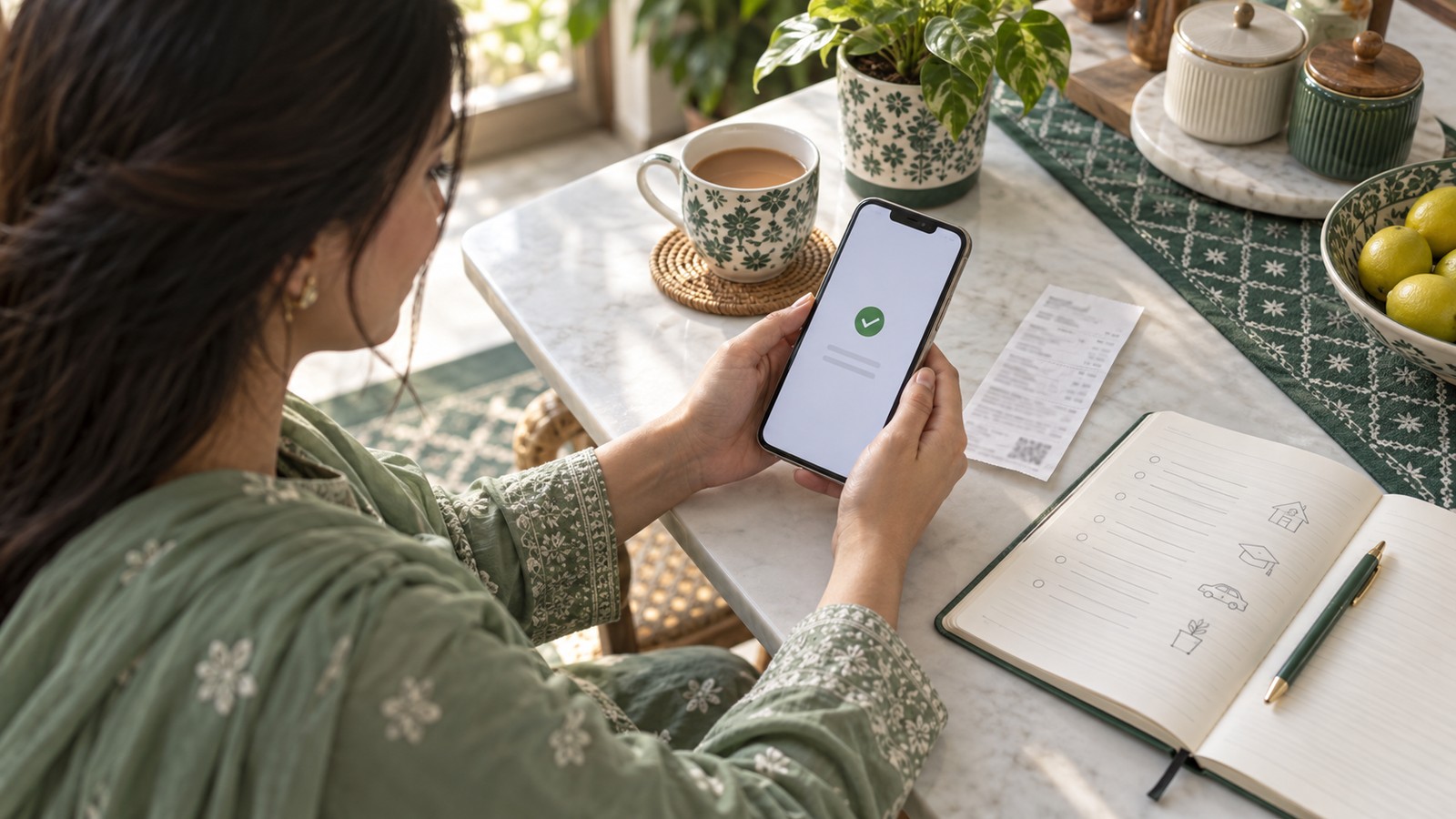
1. Confirm the entire loan is repaid
After the final payment, check the loan record and outstanding amount in MoneyTap. Paying one instalment is not the same as settling the whole loan; any remaining instalments still need to be handled under the original schedule.
Compare your successful wallet transaction with the loan record. A wallet debit alone does not show that the loan status has updated. Keep the amount, payment time and transaction ID.
If the records do not match, do not immediately pay again. Follow the MoneyTap repayment guide and use official support to check the payment.
2. Apply again from your existing account — no new registration
Once the entire MoneyTap loan is repaid, you can apply again. You do not need to register again. When you next have a genuine need for funds, open MoneyTap, sign in to your existing account and follow the current application flow.
There is no need to create a second set of identity details. Do not use another person's CNIC or mobile account. Your own account lets you review earlier loan records and the new application.
If you have changed your number or cannot sign in, use the official MoneyTap contact page for help. Being able to apply again is different from receiving approval: the new offer still depends on the current assessment.
Your work, income or receiving account may have changed since your last application. Review the current information and complete updates and checks requested in the app. Do not reuse outdated details simply because you supplied them before.
- Identity and contact information: use your own accurate details and keep verification and notification channels available.
- Income and repayment plans: use your current circumstances rather than a past, higher-income period.
- Receiving details: check the selected channel and account for this application.
If information is requested again, follow the current steps. Ask official support about an unclear field rather than guessing.
4. Read the new offer as a new loan
Knowing MoneyTap can make information easier to find, but the terms still need checking every time. The official FAQ explains that each application is reassessed; do not assume the amount or terms will match your last loan.
Before accepting, check the amount you will receive, markup or fees, each instalment, payment dates and total repayment. Consider whether your income can cover the loan alongside essential household spending.
For a short cash gap, choose around the actual need. An available amount is not a reason to borrow all of it.
5. On-time repayment helps you prepare for future needs
Repaying the current loan on time builds a good usage record. MoneyTap's official FAQ explains that on-time repayment may support future approval or a higher limit, while each application is assessed again.
Check a new offer when you have a genuine need. You do not need to keep borrowing just to grow a limit, or take an unaffordable new loan to repay an old one.
Plan funds before the payment date, check the status afterwards and keep the receipt. This reduces payment questions and makes your own records clearer for the next time you need funds.
Entire loan repaid but unable to apply? Check the record
If you have repaid the whole loan but MoneyTap still shows an outstanding amount, or you cannot enter the repeat-application flow, check the transaction, loan status and exact message. Official support can help with account or record issues.
Do not trust messages asking you to transfer money to restore a limit or promising private, guaranteed repeat approval. Use the information inside the official app, not an unfamiliar chat's unlocking instructions.
Keep the transaction ID, amount, payment time and receipt. Do not repeat a payment or register again simply because the status is unclear.
Official references
Next time you need funds, start with your MoneyTap account
Check the previous loan record, then review the current offer. Use official support for sign-in or repayment-record questions.
Go to MoneyTap home
Application details, eligibility, amounts and repayment obligations follow the current app and agreement. This guide does not promise repeat approval or a future limit.
1. تصدیق کریں کہ پورا قرض ادا ہوگیا ہے
آخری ادائیگی کے بعد منی ٹیپ میں قرض کا ریکارڈ اور بقایا رقم دیکھیں۔ ایک قسط ادا کرنا پورا قرض ختم کرنے کے برابر نہیں؛ باقی اقساط اصل شیڈول کے مطابق ادا کرنا ضروری ہیں۔
والیٹ کی کامیاب ٹرانزیکشن کو قرض کے ریکارڈ سے ملائیں۔ صرف والیٹ سے رقم کٹنا قرض کی حیثیت اپ ڈیٹ ہونے کا ثبوت نہیں۔ رقم، ادائیگی کا وقت اور ٹرانزیکشن آئی ڈی محفوظ رکھیں۔
ریکارڈ نہ ملیں تو فوراً دوبارہ ادائیگی نہ کریں۔ منی ٹیپ کی ادائیگی گائیڈ کے مطابق چیک کریں اور سرکاری سپورٹ سے مدد لیں۔
2. اپنے موجودہ اکاؤنٹ سے درخواست دیں — نئی رجسٹریشن نہیں
منی ٹیپ کا پورا قرض ادا ہونے کے بعد آپ دوبارہ درخواست دے سکتے ہیں۔ دوبارہ رجسٹریشن کی ضرورت نہیں۔ اگلی بار واقعی رقم درکار ہو تو منی ٹیپ کھولیں، اپنے موجودہ اکاؤنٹ میں لاگ اِن کریں اور ایپ کے موجودہ مراحل کے مطابق درخواست دیں۔
شناختی معلومات کا دوسرا سیٹ بنانے کی ضرورت نہیں۔ کسی دوسرے شخص کا شناختی کارڈ یا موبائل اکاؤنٹ استعمال نہ کریں۔ اپنے اکاؤنٹ میں پچھلے قرض کا ریکارڈ اور نئی درخواست دیکھ سکتے ہیں۔
نمبر بدل گیا ہو یا لاگ اِن نہ ہوسکے تو منی ٹیپ کے سرکاری رابطہ صفحے سے مدد لیں۔ دوبارہ درخواست دینا منظوری حاصل کرنے سے الگ ہے؛ نئی پیشکش موجودہ جائزے پر منحصر ہوگی۔
3. بدلی ہوئی معلومات درست کریں
پچھلی درخواست کے بعد کام، آمدنی یا رقم وصول کرنے والا اکاؤنٹ بدل سکتا ہے۔ موجودہ معلومات دیکھیں اور ایپ کے مطابق اپ ڈیٹ اور تصدیق مکمل کریں۔ صرف اس لیے پرانی معلومات استعمال نہ کریں کہ پہلے دی تھیں۔
- شناخت اور رابطہ: اپنی درست معلومات دیں اور تصدیق و اطلاع کے ذرائع فعال رکھیں۔
- آمدنی اور ادائیگی کا منصوبہ: موجودہ حالات کے مطابق بتائیں، ماضی کی زیادہ آمدنی کے مطابق نہیں۔
- رقم وصول کرنے کی تفصیل: اس درخواست کے منتخب چینل اور اکاؤنٹ کو چیک کریں۔
معلومات دوبارہ مانگی جائیں تو موجودہ مراحل مکمل کریں۔ کوئی خانہ سمجھ نہ آئے تو اندازہ لگانے کے بجائے سرکاری سپورٹ سے پوچھیں۔
4. نئی پیشکش کو ایک نئے قرض کی طرح پڑھیں
منی ٹیپ سے واقفیت معلومات تلاش کرنا آسان بنا سکتی ہے، لیکن ہر بار شرائط دوبارہ دیکھنا ضروری ہے۔ سرکاری FAQ کے مطابق ہر درخواست کا دوبارہ جائزہ ہوتا ہے؛ رقم یا شرائط کو پچھلے قرض جیسا فرض نہ کریں۔
قبول کرنے سے پہلے ملنے والی رقم، مارک اپ یا فیس، ہر قسط، ادائیگی کی تاریخیں اور کل واپسی دیکھیں۔ آمدنی سے قرض کے ساتھ گھر کے ضروری اخراجات بھی پورے ہونے چاہییں۔
مختصر کمی کے لیے اصل ضرورت کے مطابق رقم منتخب کریں۔ دستیاب رقم کا مطلب یہ نہیں کہ ساری رقم قرض لے لی جائے۔
5. وقت پر ادائیگی مستقبل کی ضرورت کے لیے تیاری ہے
موجودہ قرض وقت پر ادا کرنا اچھا استعمال ریکارڈ بناتا ہے۔ منی ٹیپ کے سرکاری FAQ کے مطابق بروقت ادائیگی مستقبل کی منظوری یا زیادہ حد میں مدد دے سکتی ہے، جبکہ ہر درخواست کا دوبارہ جائزہ ہوتا ہے۔
واقعی ضرورت ہو تو نئی پیشکش دیکھیں۔ صرف حد بڑھانے کے لیے مسلسل قرض لینا ضروری نہیں، اور پرانا قرض واپس کرنے کے لیے ناقابل برداشت نیا قرض نہ لیں۔
ادائیگی کی تاریخ سے پہلے رقم کا انتظام کریں، بعد میں حیثیت دیکھیں اور رسید محفوظ رکھیں۔ اس سے ادائیگی کے سوالات کم ہوتے ہیں اور اگلی ضرورت پر اپنا ریکارڈ واضح رہتا ہے۔
پورا قرض ادا ہے لیکن درخواست نہیں دے سکتے؟ ریکارڈ دیکھیں
پورا قرض ادا ہونے کے باوجود منی ٹیپ میں بقایا دکھے یا دوبارہ درخواست کا عمل نہ کھلے تو ٹرانزیکشن، قرض کی حیثیت اور اصل پیغام دیکھیں۔ اکاؤنٹ یا ریکارڈ کے مسئلے میں سرکاری سپورٹ مدد دے سکتی ہے۔
حد بحال کرنے کے لیے رقم منتقل کرنے یا نجی طور پر یقینی منظوری کے پیغامات پر بھروسا نہ کریں۔ سرکاری ایپ کی معلومات استعمال کریں، نامعلوم چیٹ کی اَن لاک ہدایات نہیں۔
ٹرانزیکشن آئی ڈی، رقم، وقت اور رسید محفوظ رکھیں۔ صرف حیثیت واضح نہ ہونے پر دوبارہ ادائیگی یا نئی رجسٹریشن نہ کریں۔
سرکاری حوالے
اگلی ضرورت پر اپنے منی ٹیپ اکاؤنٹ سے آغاز کریں
پچھلے قرض کا ریکارڈ دیکھیں، پھر موجودہ پیشکش پڑھیں۔ لاگ اِن یا ادائیگی کے ریکارڈ کے سوالات کے لیے سرکاری سپورٹ استعمال کریں۔
منی ٹیپ کے ہوم پیج پر جائیں
درخواست، اہلیت، رقم اور ادائیگی کی ذمہ داریاں موجودہ ایپ اور معاہدے کے مطابق ہیں۔ یہ گائیڈ دوبارہ منظوری یا مستقبل کی حد کا وعدہ نہیں۔
Frequently Asked Questions
Can I apply again after repaying MoneyTap?
Yes. Once your entire MoneyTap loan is repaid, you can apply again without registering again. Sign in to your existing account when you have a genuine need. Each new application is reassessed, and the offer and result depend on that assessment.
How long do I need to wait after repayment?
You can apply again once the entire loan is repaid. If payment is complete but the loan record has not updated, check the transaction and status with official support rather than paying twice.
Do I need to register again for a repeat loan?
No. Sign in to your existing account and follow the application flow. If your number has changed or you cannot sign in, use official support; do not borrow another identity or create inconsistent details.
Does on-time repayment help my next application?
It builds a good usage record and may support future approval or limit assessment. Each application is reassessed. Do not borrow repeatedly only to grow a limit.
My wallet was debited but the loan still shows unpaid. What should I do?
Keep the transaction ID, amount, time and receipt. Check the payment record and contact official MoneyTap support. Do not immediately pay again just because the status has not updated.
اکثر پوچھے گئے سوالات
منی ٹیپ قرض ادا کرنے کے بعد دوبارہ درخواست دے سکتا ہوں؟
جی ہاں۔ پورا منی ٹیپ قرض ادا ہونے کے بعد نئی رجسٹریشن کے بغیر دوبارہ درخواست دے سکتے ہیں۔ واقعی ضرورت پر اپنے موجودہ اکاؤنٹ میں لاگ اِن کریں۔ ہر نئی درخواست کا دوبارہ جائزہ ہوتا ہے، اور پیشکش و نتیجہ اسی جائزے پر منحصر ہیں۔
ادائیگی کے بعد کتنا انتظار کرنا ہوگا؟
پورا قرض ادا ہونے کے بعد دوبارہ درخواست دے سکتے ہیں۔ ادائیگی مکمل ہو لیکن قرض کا ریکارڈ اپ ڈیٹ نہ ہوا ہو تو دوبارہ رقم ادا کرنے کے بجائے سرکاری سپورٹ سے ٹرانزیکشن اور حیثیت چیک کروائیں۔
دوبارہ قرض کے لیے نئی رجسٹریشن ضروری ہے؟
نہیں۔ اپنے موجودہ اکاؤنٹ میں لاگ اِن کریں اور درخواست کے مراحل مکمل کریں۔ نمبر بدل گیا ہو یا لاگ اِن نہ ہوسکے تو سرکاری سپورٹ سے مدد لیں؛ کسی دوسرے کی شناخت یا متضاد معلومات استعمال نہ کریں۔
وقت پر ادائیگی اگلی درخواست میں مدد کرتی ہے؟
اس سے اچھا استعمال ریکارڈ بنتا ہے اور مستقبل کی منظوری یا حد کے جائزے میں مدد مل سکتی ہے۔ ہر درخواست کا دوبارہ جائزہ ہوتا ہے۔ صرف حد بڑھانے کے لیے بار بار قرض نہ لیں۔
والیٹ سے رقم کٹ گئی مگر قرض ادا شدہ نہیں دکھتا، کیا کروں؟
ٹرانزیکشن آئی ڈی، رقم، وقت اور رسید محفوظ رکھیں۔ ادائیگی کا ریکارڈ دیکھیں اور سرکاری منی ٹیپ سپورٹ سے رابطہ کریں۔ صرف حیثیت اپ ڈیٹ نہ ہونے پر فوراً دوبارہ ادائیگی نہ کریں۔